| [12:32:04] | * frakman1[m] has joined #farmos |
| [12:36:13] | <frakman1[m]> | Hi everyone. I just installed farmOS on my home server and testing it out for use with my home farm. |
| [12:36:13] | <frakman1[m]> | I was so glad to see there was a chat forum for discussion as I didn't want to open Github issues for questions. |
| [12:36:46] | <mstenta[m]> | Welcome frakman1 ! |
| [12:45:39] | <mstenta[m]> | We also have a forum |
| [12:46:29] | <mstenta[m]> | https://farmOS.discourse.group |
| [12:47:37] | <frakman1[m]> | Thanks. Quick question. I have several areas around my property, like a greenhouse, hoophouse, beds here and there. |
| [12:47:37] | <frakman1[m]> | I wanted to mark those areas manually by drawing a box on the map, but couldn't do that. The option I found was for a `bed generator` that segments the property equally into regions. Is there a way to do what I want? |
| [12:56:04] | <symbioquine[m]> | frakman1: Have you checked out https://farmos.org/guide/areas/ ? |
| [12:57:54] | <frakman1[m]> | No, but thanks. I have an Area. Looks like I can make a child Area within the parent Area right? |
| [12:59:04] | <symbioquine[m]> | You could, but the parent-child aspect of areas isn't that important for most things. It's mostly just useful for organizing areas when you have a lot of them. I wouldn't recommend worrying about that part at first. |
| [13:00:56] | <symbioquine[m]> | It's probably best to just create a few areas first by going to https://yoursite.example.com/farm/areas and clicking "Add area". |
| [13:06:07] | <frakman1[m]> | OK. I thought "Area" was for the whole property/farm. But it sounds like you are saying each individual piece should be its own area. |
| [13:06:20] | <mstenta[m]> | You can also get to the same "Add area" form from the dashboard |
| [13:06:44] | <mstenta[m]> | Nope! Areas are for representing all different locations! :-) |
| [13:07:00] | <mstenta[m]> | You can add as many as you want and select their "type" for each |
| [13:07:48] | <frakman1[m]> | Got it. Thanks. Is there an over-arching "Farm" location concept that all areas are within? |
| [13:07:52] | <mstenta[m]> | (FYI in farmOS 2.x "areas" are now asset types themselves) |
| [13:08:22] | <frakman1[m]> | How do I know what versin of FarmOS I have? I don't see an "About" in the webUI or maybe I am missing it |
| [13:08:27] | <frakman1[m]> | * How do I know what version of FarmOS I have? I don't see an "About" in the webUI or maybe I am missing it |
| [13:08:27] | <mstenta[m]> | Nope, but you can create a Property area and organize other areas underneath it hierarchically |
| [13:08:43] | <mstenta[m]> | You have 1.x... 2.x is still in development |
| [13:09:13] | <mstenta[m]> | /admin/reports/status should show you the exact version |
| [13:09:28] | <mstenta[m]> | 1.7 |
| [13:09:43] | <mstenta[m]> | (also referred to as 7.x-1.7) |
| [13:10:03] | <mstenta[m]> | (that's the latest version...) |
| [13:10:24] | <mstenta[m]> | (sorry typing on my phone haha) |
| [13:10:28] | <frakman1[m]> | Yes, the area I created is a `Property` type. |
| [13:10:41] | <mstenta[m]> | Great |
| [13:10:57] | <mstenta[m]> | Yea so you can add whatever areas you want... There aren't any hard rules |
| [13:11:00] | <mstenta[m]> | Up to you |
| [13:15:24] | <frakman1[m]> | �ACTION uploaded an image: image.png (79KiB) < https://matrix.org/_matrix/media/r0/download/matrix.org/GQQbhvnmbMgiHOqo... >� |
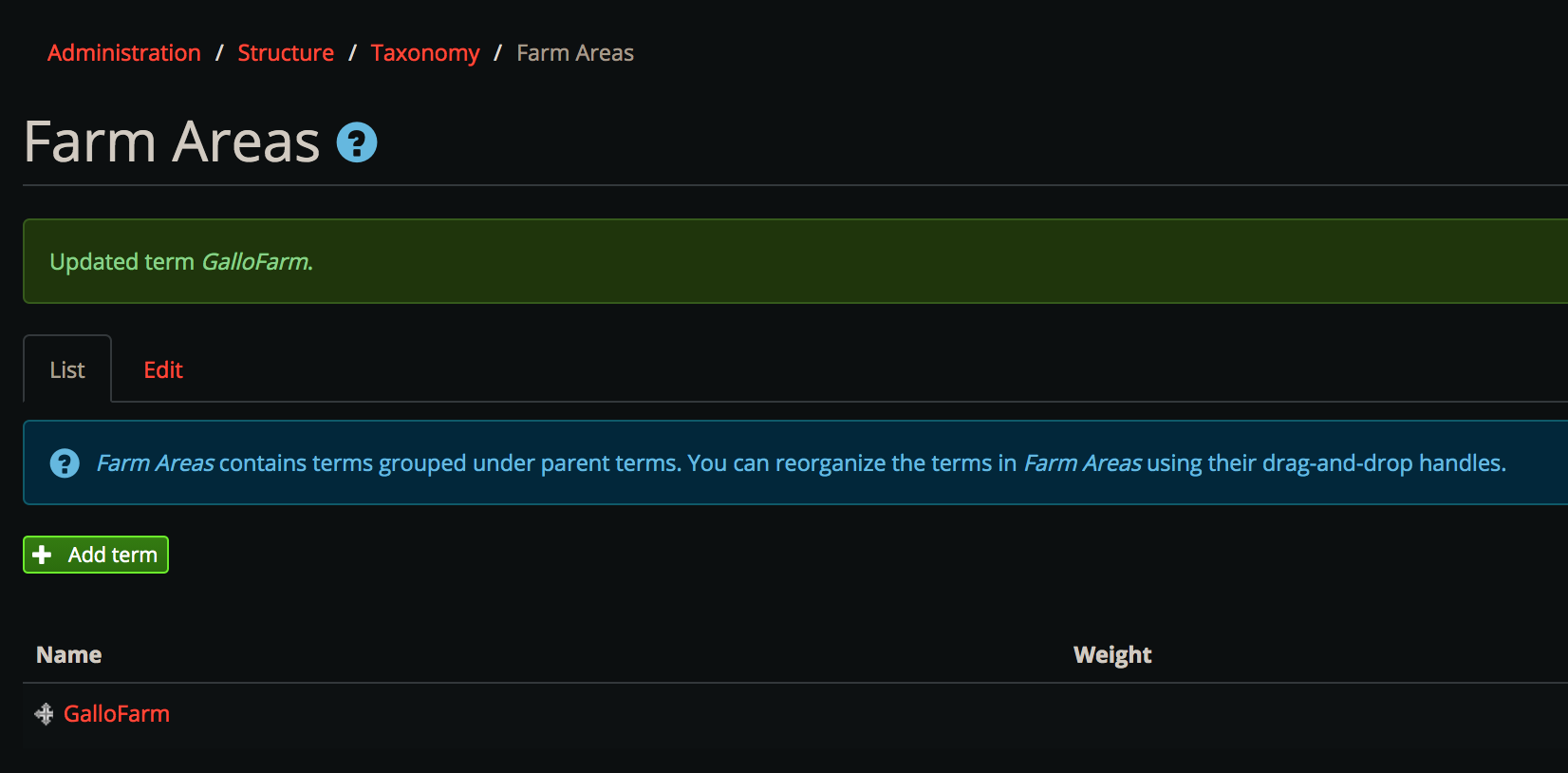
| [13:19:31] | <frakman1[m]> | After updating my Area Property's name, I see in the confirmation page mention of a `term` and ability to add one. What is that? I can't get to it from the regular area menu: |
| [13:27:48] | <frakman1[m]> | Do you recommend a beginner's video guide? Or should I start with the UserGuide Introduction page and go from there? |
| [13:38:08] | <mstenta[m]> | Do you see Areas in the main menu at the top? |
| [13:39:51] | <mstenta[m]> | That's where you should start |
| [13:40:16] | <mstenta[m]> | There is an Add Area button on that page |
| [13:40:41] | <mstenta[m]> | As well as the map of all areas and a hierarchical list |
| [13:41:06] | <mstenta[m]> | I would recommend adding/managing all your areas through there |
| [13:41:41] | <mstenta[m]> | The "taxonomy terms" is also usable but not recommended |
| [13:41:54] | <mstenta[m]> | * The "taxonomy terms" UI is also usable but not recommended |
| [16:32:03] | <frakman1[m]> | Where do I set the SNMP settings to send emails for new account generation? I was to add a new Person to the farm and there is an option to email them but I never set up emailing credentials anywhere |
| [16:32:13] | <frakman1[m]> | * Where do I set the SNMP settings to send emails for new account generation? I want to add a new Person to the farm and there is an option to email them but I never set up emailing credentials anywhere |
| [16:34:00] | <mstenta[m]> | frakman1 that would be a server level config outside of farmOS. farmOS just sends email via PHPs default mail function |
| [16:35:19] | <mstenta[m]> | So if you're using Linux then you could use something like Postfix |
| [16:35:52] | <mstenta[m]> | Which can either send the email directly or relay it through another SMTP server |
| [16:39:38] | <frakman1[m]> | It's running in docker so not sure where else it would be set, the host doesn't have any emailing functionality |
| [16:41:46] | <mstenta[m]> | Ok so right now the farmOS Docker doesn't have a built in SMTP server |
| [16:43:14] | <mstenta[m]> | There are a few ways to set things up if you're self hosting |
| [16:43:27] | <mstenta[m]> | Do you have a relay server for sending emails already? |
| [16:43:31] | <frakman1[m]> | Usually, these types of apps let you enter the SMTP server details (like Google's Gmail) with an app password and sends email that way |
| [16:44:34] | <mstenta[m]> | Yup. And farmOS doesn't make any of those decisions |
| [16:44:43] | <mstenta[m]> | That's up to you |
| [16:44:49] | <mstenta[m]> | Is gmail what you want to use? |
| [16:44:59] | <mstenta[m]> | This might be a good guide: https://www.symphonythemes.com/drupal-blog/configure-drupal-smtp-gmail |
| [16:45:40] | <mstenta[m]> | I'm also aware of a MailChimp/Mandrill module |
| [16:46:17] | <mstenta[m]> | https://www.drupal.org/project/smtp |
| [16:46:20] | <frakman1[m]> | Yes, Gmail is what I use. |
| [16:47:05] | <mstenta[m]> | (here's the Mandrill one: https://www.drupal.org/project/mandrill) |
| [16:47:06] | <frakman1[m]> | I've never used Drupal before. So I need to install a SMTP module into the "Modules" page? |
| [16:47:26] | <mstenta[m]> | I'm making dinner right now so apologies for the brief responses :-) |
| [16:47:42] | <frakman1[m]> | No worries, take your time. |
| [16:50:32] | <mstenta[m]> | Yes basically. But you need to download the module as well |
| [16:50:52] | <mstenta[m]> | Are you using one of the docker compose example files? |
| [16:51:09] | <mstenta[m]> | (need to understand your setup a bit to give the best advice) |
| [16:51:39] | <frakman1[m]> | �ACTION uploaded an image: image.png (59KiB) < https://matrix.org/_matrix/media/r0/download/matrix.org/UmLTSBXbSFtvPems... >� |
| [16:51:50] | <mstenta[m]> | Also note: I've never tested the SMTP module so I can't make any guarantees |
| [16:51:52] | <frakman1[m]> | Ok, I downloaded and extracted to the modules folder and enabled it in Modules |
| [16:52:03] | <mstenta[m]> | Oh excellent! |
| [16:52:18] | <mstenta[m]> | You're on the right track! |
| [16:57:09] | <mstenta[m]> | Also just so you avoid a "gotcha": make sure the module is in sites/all/modules not the root modules folder |
| [16:57:49] | <mstenta[m]> | (it's a drupal thing... But basically when you update farmOS you'll replace everything in the webroot except the sites for) |
| [16:58:34] | <mstenta[m]> | (sites dir*) |
| [16:58:35] | <frakman1[m]> | �ACTION sent a long message: < https://matrix.org/_matrix/media/r0/download/matrix.org/YXUReAHJFTZtCWgP... >� |
| [16:59:00] | <mstenta[m]> | Perfect :-) |
| [17:00:50] | <frakman1[m]> | �ACTION uploaded an image: image.png (58KiB) < https://matrix.org/_matrix/media/r0/download/matrix.org/veNGBtMixViYjseF... >� |
| [17:00:58] | <frakman1[m]> | That was easy. |
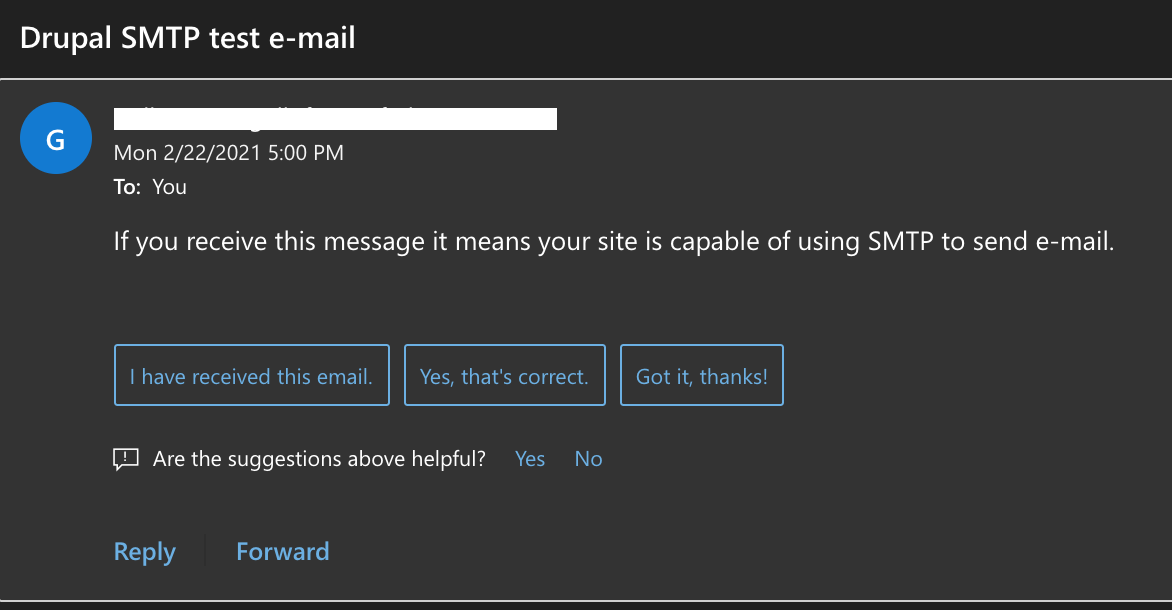
| [17:02:42] | <frakman1[m]> | �ACTION uploaded an image: image.png (57KiB) < https://matrix.org/_matrix/media/r0/download/matrix.org/DJLxaZWUZfvBxKez... >� |
| [17:04:07] | <frakman1[m]> | Thank you for that link. It was exactly what I needed. |
| [17:04:42] | <mstenta[m]> | Nice! |
| [17:05:02] | <mstenta[m]> | This is inspiring me to write some basic docs for this :-) |
| [17:05:43] | <frakman1[m]> | Go for it! I'll help too if I can. |
| [18:54:52] | <frakman1[m]> | <mstenta[m] "Are you using one of the docker "> It's a single docker container using the image `farmos/farmos` with a companion mariadb container I already had running that I added a farmos database and user to. I am using the template for UNRAID server |
| [18:55:37] | <frakman1[m]> | There's usually a place to set the siteURL. It's currently running on a local ip address. Where do I configure a true internet accessible hostname. |
| [18:57:44] | <frakman1[m]> | I found this configuration entry: |
| [18:57:44] | <frakman1[m]> | `Administration->Configuration -> Farm-> Access` |
| [18:58:29] | <frakman1[m]> | * I found this configuration entry: |
| [18:58:29] | <frakman1[m]> | `Administration->Configuration->Farm->Access` |
| [18:58:56] | <frakman1[m]> | I'm not sure I understand what `Access-Control-Allow-Origin` is but is this where I put in my FQDN ? |
| [18:59:10] | <frakman1[m]> | * I'm not sure I understand what `Access-Control-Allow-Origin` is but is this where I put in my FQDN? like `https://myfarmos.mydomainname.com` |